

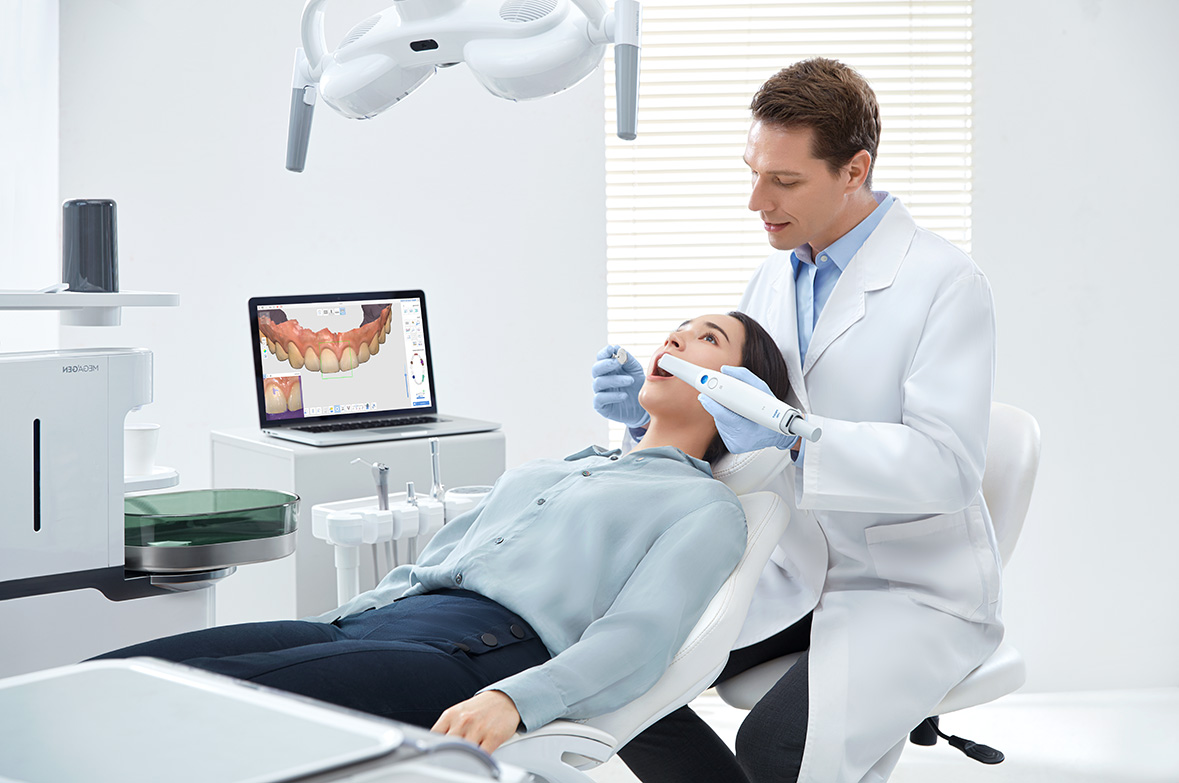
SCD accept digital scans from all brands of intraoral scanner.
SCD are delighted to introduce an NHS product range. This is a limited range of high-quality products at a low cost. Please note that we only accept digital scans for NHS products. GB customers only (England, Scotland, Wales).
- Digital scans only
- Fast turnaround time
- No model charges
- Free delivery
To receive £100 lab credit when you connect your scanner, fill in the offer form below.
Click here to view our NHS product range price list.
Sending a Digital Case:
- You will need to search for Southern Cross Dental (NHS Range) and send a partner request on your intraoral scanner portal.
- Once this is accepted by our digital team, you will be able to digitally send your patient impressions to SCD.
- Please ensure that you include your full name/practice name or SCD Account Number to your digital case form.
Please view the useful guide below which explains how to partner your intraoral scanner to Southern Cross Dental (NHS Range). This partnership is required in order for you to transfer your digital impressions to our technical team for analysis.
If you need any assistance please contact us and our digital support team will be more than happy to help you.
How to Partner Your 3Shape TRIOS with SCD

If you have any issues please email us on info@scdlab.co.uk
Visit https://portal.3shapecommunicate.com/login and log on with your administrator account.
- Configure
- Lab connection
- Add Southern Cross Dental (NHS Range)
- Go to communication
- Southern Cross Dental (NHS Range)
- Once connection is accepted click “Refresh”
When sending digital impressions, ensure that Southern Cross Dental (NHS Range) is selected as the recipient.

Visit https://meditlink.com/ and log on with your administrator account.
- Partners
- Southern Cross Dental (NHS Range)
- Click the Request Partnership button.
- Click Confirm.
When sending digital impressions, ensure that Southern Cross Dental (NHS Range) is selected as the recipient.
How to Partner Your iTero Element with SCD

If you have any issues please email us on info@scdlab.co.uk
Select ‘Find a Laboratory’ on your iTero Element intraoral scanner software.
- Search for Southern Cross Dental (NHS Range)
- Connect
When sending digital impressions, ensure that Southern Cross Dental (NHS Range) is selected as the recipient.
How to Partner Your Dentsply Sirona with SCD

If you have any issues please email us on info@scdlab.co.uk
Visit https://customer.connectcasecenter.com/ and log in with your administrator account.
- Login to DS Core using your practice credentials.
- Click your profile initials in the top right corner of the dashboard.
- Select Practice from the menu options.
- Click on the Preferred Labs tab in the menu header.
- Click the Add Preferred Lab button.
- Type Southern Cross Dental (NHS Range) and click Add
Or you can click on link below to automatically add to preferred labs:
https://r2.dscore.com/#/invite?lr=uXUyyDZR0QD60PZyADtkizA%3D%3D
When sending digital impressions, ensure that Southern Cross Dental (NHS Range) is selected as the recipient.

Visit https://www.dental3dcloud.com/ and log in with your administrator account.
- Connections
- New
- Search for Southern Cross Dental (NHS Range)
- Submit.
When sending digital impressions, ensure that Southern Cross Dental (NHS Range) is selected as the recipient.
Other Scanners Accepted
We accept scans from all scanner brands. Please send your scan file to nhs@scdlab.co.uk.
To register for the connect your scanner £100 lab credit offer,
please complete the form below: